Your MRR in your pocket
The SaaS Monitor app opens any screen with its link or QR code, on saas-monitor.com or on your own server. No account, nothing tracked.
On this page
iPhone · iPad · Apple Watch · Android · Wear OS
Both apps are in review. They’ll be listed here the day they’re out.
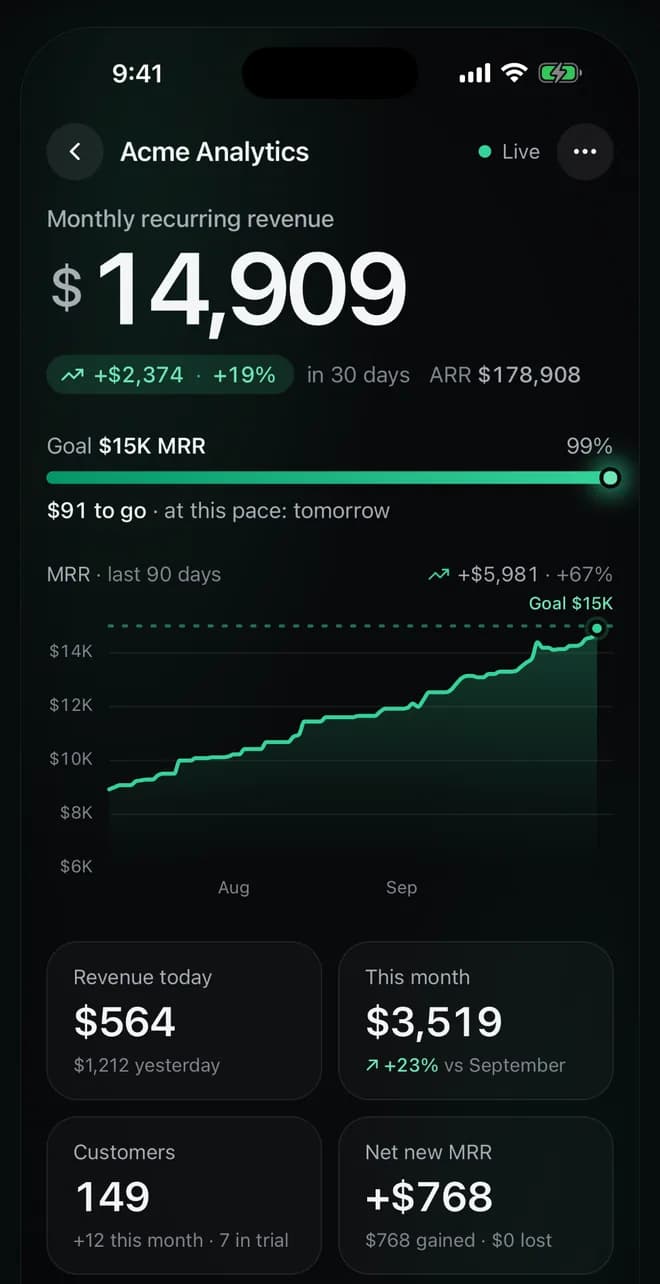
Add a screen
- In the screen settings, find Open on your phone.
- Scan its QR code with the app, or paste the screen’s link.
- If the screen has a password, type it once on each phone.
A notification for every sale
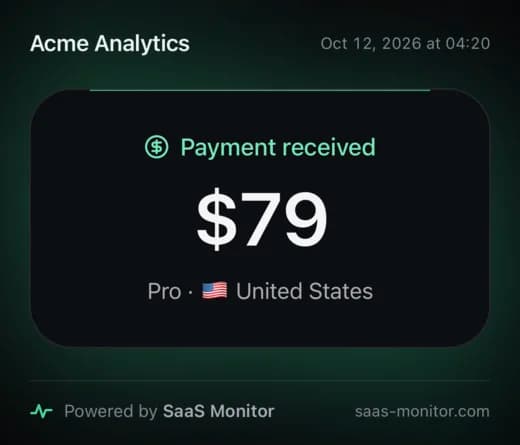
Payments, new subscribers, upgrades, reactivations, new customers and milestones, in the screen’s language and currency. A burst of activity arrives as one notification that sums it up.
Choose which events notify in the screen’s Events, under Phone. On each phone, turn a screen’s notifications off, or mute some of its events.
On iPhone, a notification can ring with the screen’s own sound and voice, even when the phone is locked: turn on Play sounds and voices in the app’s settings.
Notifications go out as soon as SaaS Monitor hears from Stripe: within seconds with instant updates.
Widgets and watches
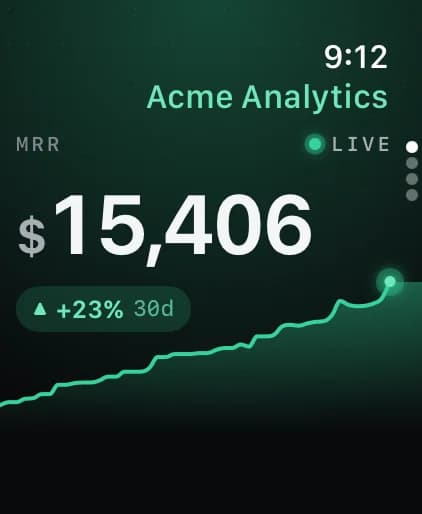
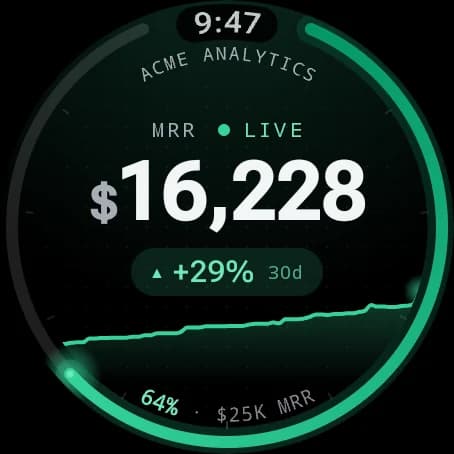
On iPhone, Home Screen, Lock Screen and StandBy widgets, also in CarPlay. On Android, home screen widgets. Apple Watch and Wear OS apps, with complications, keep your MRR on your watch face.
TV mode
Turn your phone sideways on a screen for TV mode: everything at once, like on the wall, and the phone stays awake. With Play sounds and voices on, it plays each moment’s sound and voice too.
Share any number
Touch and hold a number to share it as a clean image, signed “Powered by SaaS Monitor”. Made for your next milestone post.
No account, no tracking
A screen’s link is all the app needs. It contains no analytics, advertising or tracking, keeps your screens in the device’s secure storage, and only talks to each screen’s server and to the services that deliver notifications. Customers are named only on screens that show names. Privacy policy
See your own numbers live today
Free during the public beta. Connect Stripe with a read-only key, and your screen is ready in about two minutes.
- Free during the beta
- Free forever self-hosted
- Read-only Stripe key
Questions? Write to support@saas-monitor.com.