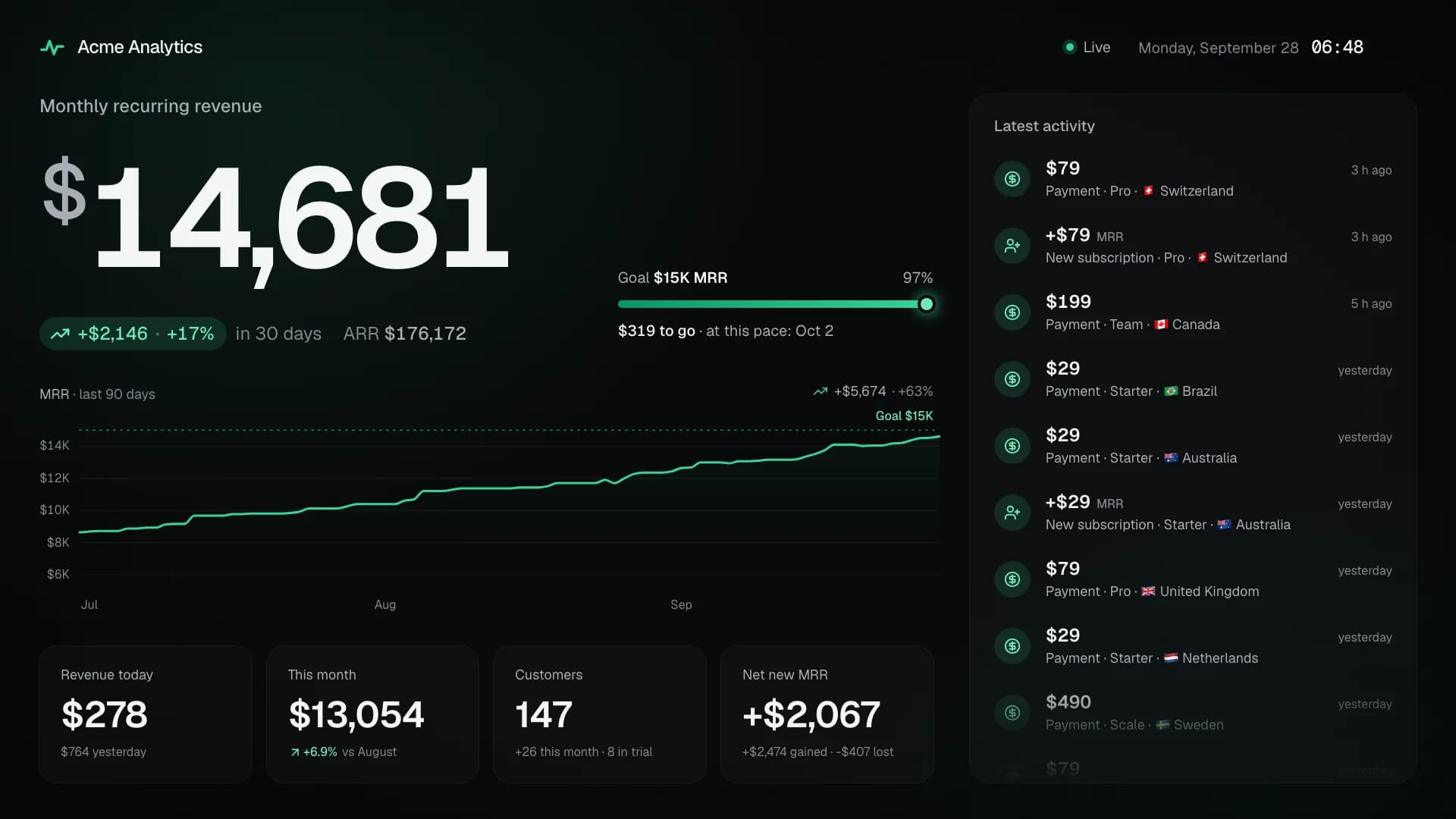
$14,880
+$2,345 · +19% in 30 days
$120 to $15K · at this pace: tomorrow
The number that matters, huge
MRR front and center, with its 30-day growth, ARR and the road to your next milestone. Readable from across the room.
Open source · Free during the public beta
SaaS Monitor turns your Stripe account into live numbers: MRR or ARR, today’s revenue and every payment, with a sound for each sale. On the office TV, on your phone and on your wrist.
On the wall
Building a SaaS is a long game. Seeing it grow, sale after sale, is what keeps a team shipping.
+$2,345 · +19% in 30 days
$120 to $15K · at this pace: tomorrow
MRR front and center, with its 30-day growth, ARR and the road to your next milestone. Readable from across the room.
New customer
$199
Team · Netherlands
A sound, a card with the amount and the plan, confetti in your color. The whole office knows.
Goal reached
$10K MRR
Next stop: $25K. Keep going.
$1K, $10K, $100K MRR, or your own goal, with the day you’ll reach it at your current pace. Crossing one fills the screen.
Dark or light, in your brand color and in seven languages. From a 720p monitor to a 4K TV, it never sleeps and recovers on its own.
Add up several Stripe accounts in one currency, or let each product take its turn. Every moment says where it comes from.
MRR as Stripe defines it, read with a restricted key encrypted at rest. Customer names stay hidden unless you show them.
Sound
Three sound packs, synthesized in the browser: nothing to install. Then a voice says what happened, in the screen’s language. Pick them per screen, or keep the meeting room quiet.
The classic ka-ching: a drawer and a till bell.
Soft bells for a calm office.
8-bit coins and power-ups.
After the sound, a voice says what happened, in the screen’s language. Two voices per language.
English
Payment received!French
Paiement reçu !German
Zahlung eingegangen!Spanish
¡Pago recibido!Portuguese
Pagamento recebido!Apps
The SaaS Monitor app opens any screen with its link or QR code, hosted or self-hosted. Turn your phone sideways and it becomes a wall display. No account, nothing tracked.
iPhone · iPad · Apple Watch · Android · Wear OS
Both apps are in review. They’ll be listed here the day they’re out.
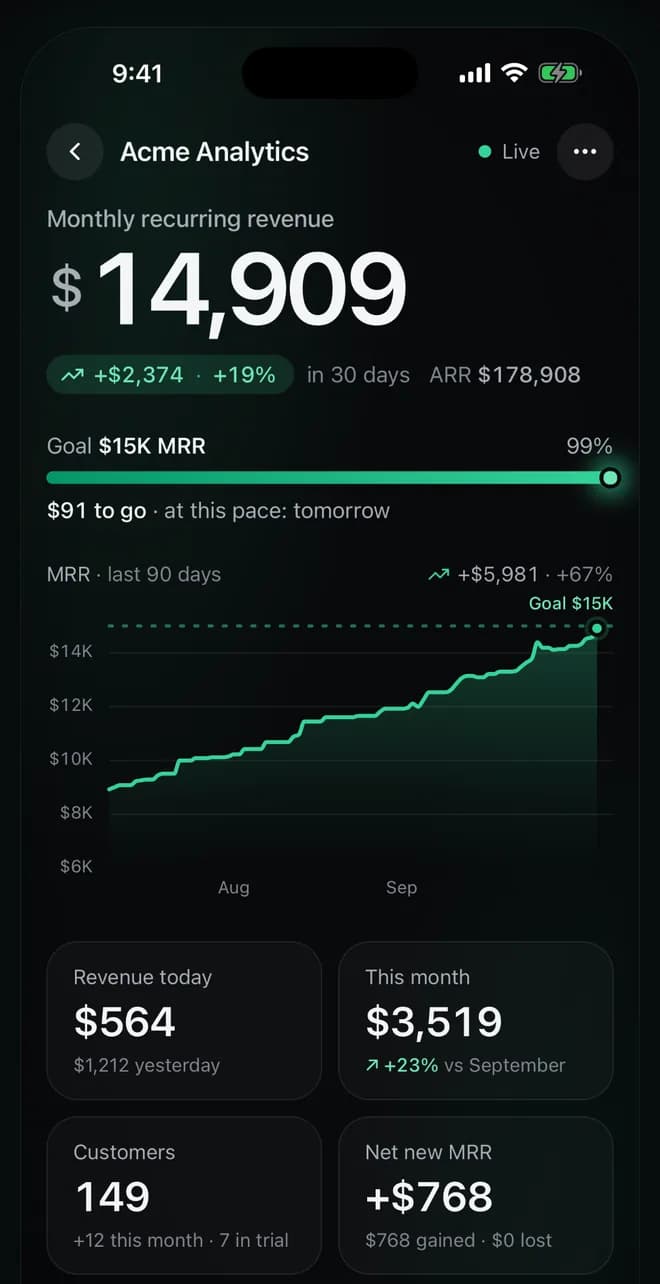
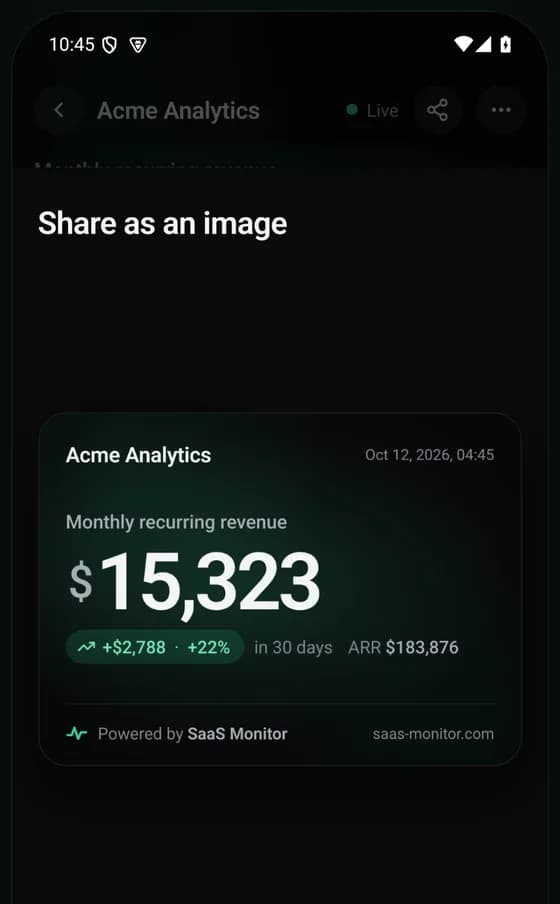
A notification for each payment, new subscriber, upgrade and milestone, in the screen’s language. On iPhone, it can ring with the screen’s own sound and voice.
On iPhone, Home Screen, Lock Screen and StandBy widgets, also in CarPlay. On Android, home screen widgets.
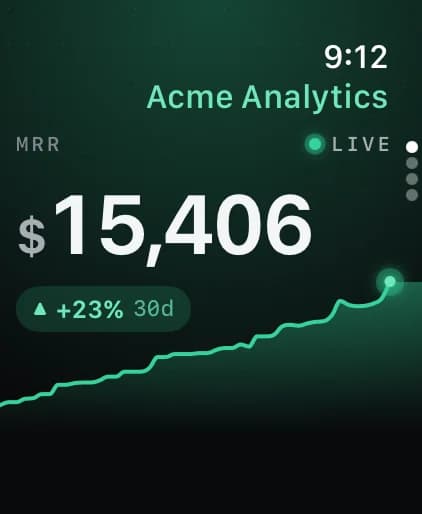
Apple Watch and Wear OS apps, with complications, to keep your MRR on your watch face.
Touch and hold a number to share it as a clean image, signed “Powered by SaaS Monitor”.
Setup
Create a read-only restricted key in one click and paste it. Your history is imported in about a minute.
Choose the sounds, the colors and your goal with a live preview. Every change is saved as you go.
Open the screen’s link on any TV, monitor or Raspberry Pi. No sign-in, nothing to install.
Pricing
SaaS Monitor is in public beta: the hosted version is free while it lasts. Self-hosted, it stays free for good.
Freeduring the public beta
Freeforever, under the MIT license
Open source
SaaS Monitor is open source under the MIT license. Run it with Docker on your own server or a Raspberry Pi in two commands, with nothing to clone or build. Your Stripe key never leaves your server.
$ curl -fsSL https://saas-monitor.com/The script writes a Compose file and fresh secrets, then stops. Open localhost:3000 and connect Stripe.
FAQ
You connect Stripe with a restricted key, created in your Stripe Dashboard with only the permissions SaaS Monitor needs: it reads subscriptions, customers, payments and the products, prices and coupons they use. One permission is optional: it lets SaaS Monitor register its own webhook endpoint, for instant updates.
The key is encrypted at rest with AES-256-GCM, never leaves the server and is never displayed again. You can revoke it in Stripe at any time. See every permission
Yes, in most cases: SaaS Monitor follows Stripe’s own definition of MRR. Only active and past-due subscriptions count, a yearly price counts for a twelfth, and discounts are subtracted, except one-time ones.
A few limits are documented: tax-inclusive prices count with their tax, a coupon deleted before your first import counts on the whole subscription, and the chart before that import is rebuilt from each subscription’s current amount. How MRR is computed
Your Stripe key, encrypted, and a copy of what your screens need: subscriptions and their MRR changes, payments and new customers, with customers’ names, emails and countries. No card or bank details. Disconnecting an account deletes its data. Self-hosted, it all stays on your server, apart from custom voice phrases, if you turn them on, which go to Gradium, and notifications to the phones that follow a screen, which go through Expo’s push service.
Any screen with a modern browser. A Raspberry Pi 4 or 5 behind the TV gives the smoothest result: set up once, it opens the screen full screen, with sound, at every start. A smart TV’s browser, a spare laptop or a tablet work too. The screen keeps itself awake, recovers from network outages and reloads after updates. Put a screen on the wall
The SaaS Monitor app, for iPhone, iPad, Apple Watch, Android and Wear OS, opens any screen with its link or QR code, hosted or self-hosted, and notifies you of each payment, new subscriber and milestone. No account, nothing tracked. See the app
English, French, German, Spanish, Italian, Portuguese and Dutch, with numbers and dates written the local way. Its voice speaks English, French, German, Spanish and Portuguese.
Not yet: SaaS Monitor reads Stripe only, for now. If you use another one, say so on GitHub.
The hosted version is free during the public beta. On your own server, it’s free for good: SaaS Monitor is open source under the MIT license.
Yes. SaaS Monitor runs with Docker Compose, next to its MySQL database, on any server or a Raspberry Pi with a 64-bit OS. Your Stripe data stays on it; only the optional custom voice phrases are sent to Gradium to be spoken, and phone notifications go through Expo’s push service. Self-hosting guide